Utilizing AWS CloudFront as a Content Delivery Network (CDN) for Hosting a Static Website on S3
Serve your website content globally with low latency and high data transfer speeds

AWS CloudFront is a content delivery network that allows users to distribute content globally with low latency, high data transfer speeds, and security. When hosting a static website on AWS S3, using CloudFront as a CDN can provide significant performance benefits to your website.
In this article, I’ll discuss the steps to utilize AWS CloudFront as a CDN for hosting a static website on S3. Follow this link to learn more about how to host your static website on AWS S3.
Prerequisites:
AWS account
Static website hosted on S3
Domain name or subdomain(optional)
NOTE: I won’t be using any custom domain or subdomain.
Step 1:
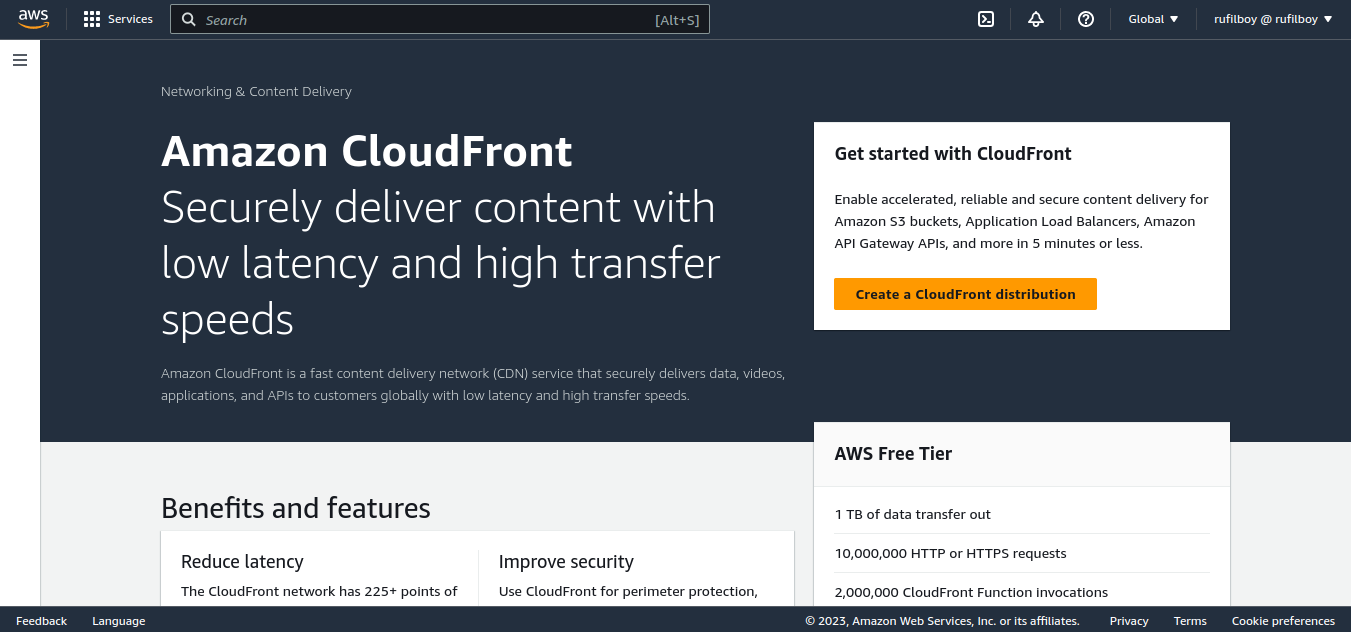
Create an AWS CloudFront Distribution: The first step is to create an AWS CloudFront distribution for your S3 bucket. To create a CloudFront distribution, navigate to the AWS CloudFront console and click on the “Create a CloudFront distribution” button.
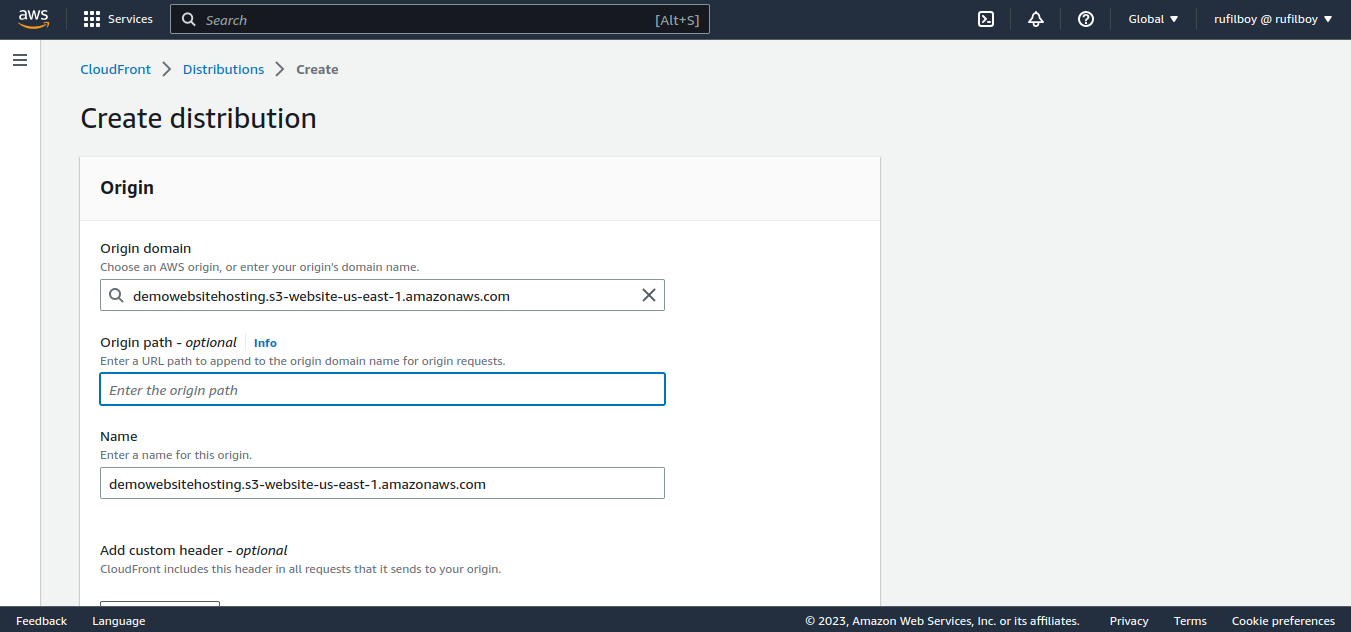
In the next screen, select “Web” as the delivery method and click on the “Get Started” button. In the “Origin Domain Name” field, enter the S3 bucket endpoint of your static website.
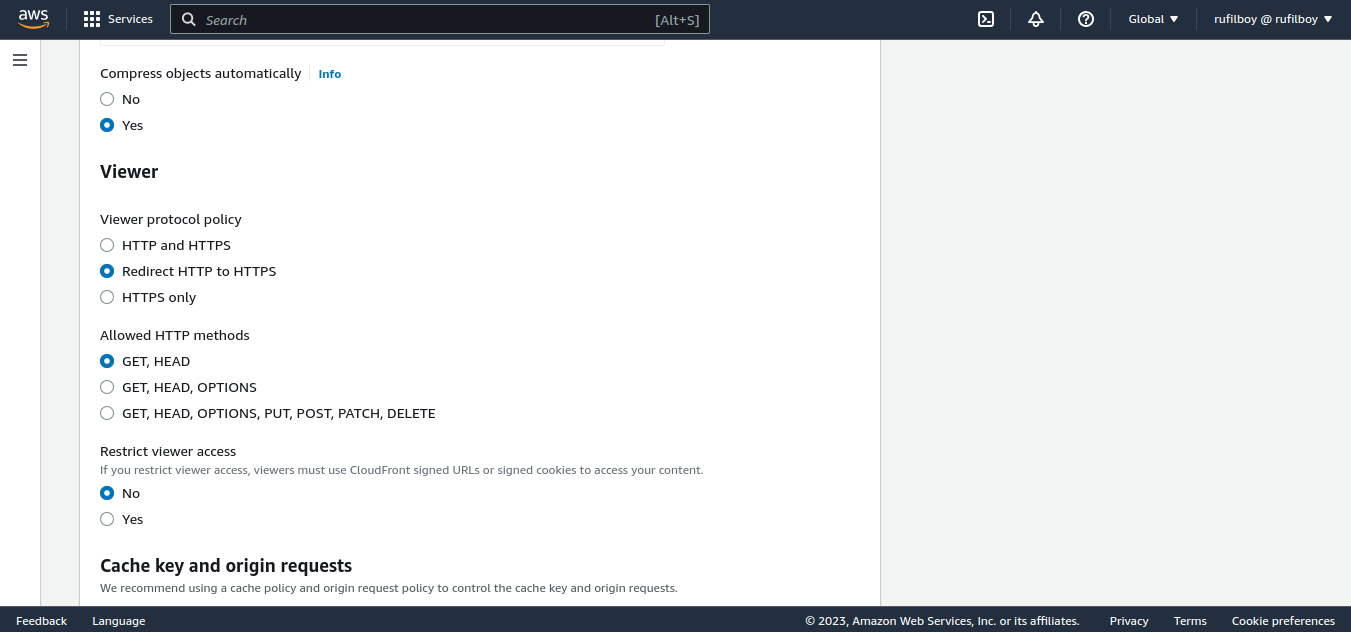
Select “Redirect HTTP to HTTPS” and leave the rest of the settings to their default values.
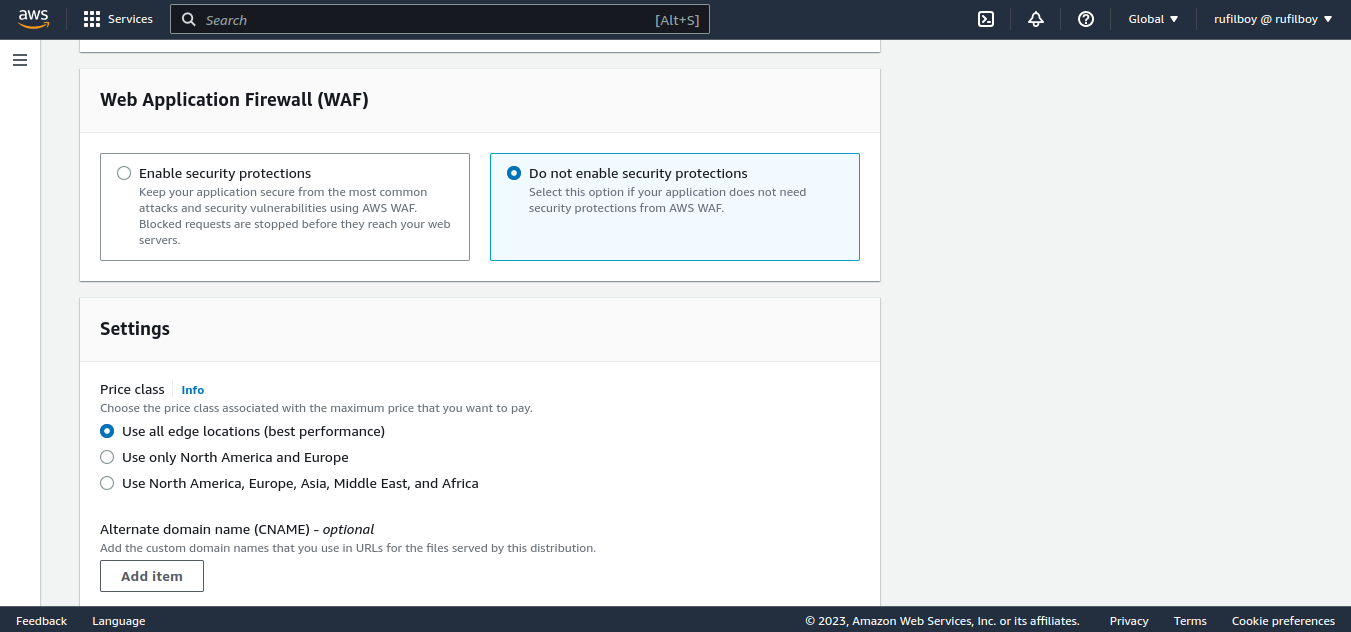
Disable Web Application Firewall(WAF);
Click on the “Create Distribution” button at the bottom of the page. The CloudFront distribution will take a few minutes to be created. Check the CloudFront distribution settings to ensure that the “Status” is “Deployed” and the “State” is “Enabled”.
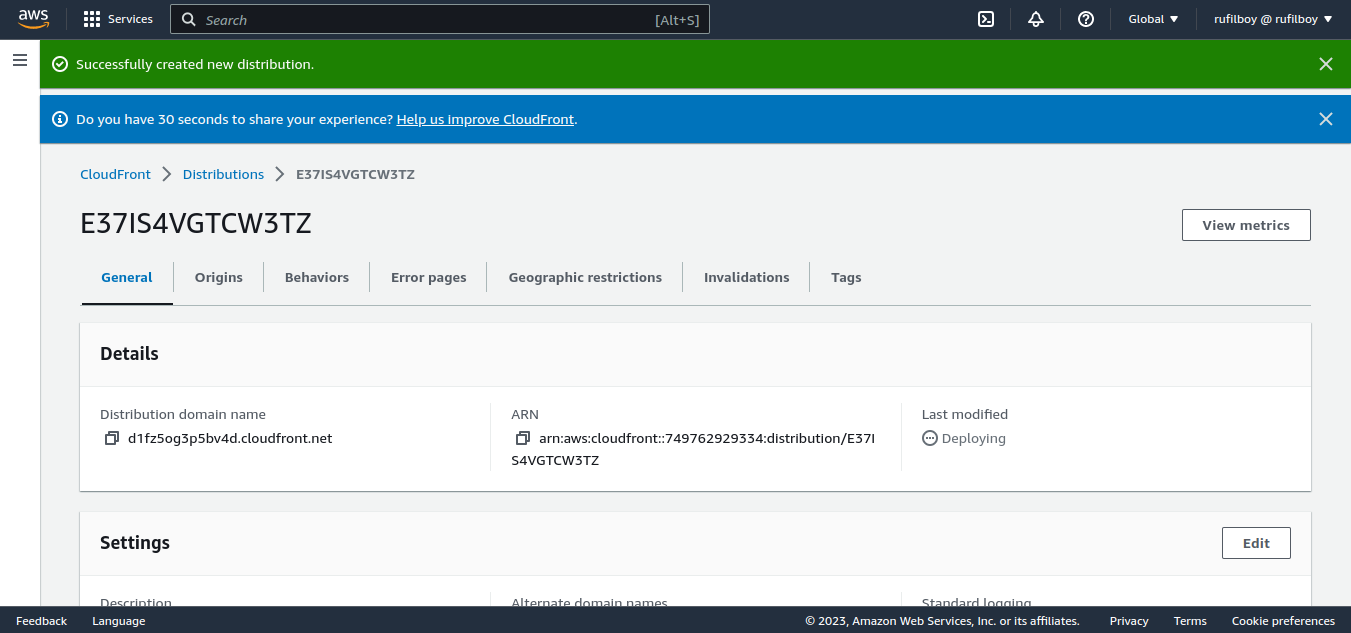
After a few minutes, refresh the page!
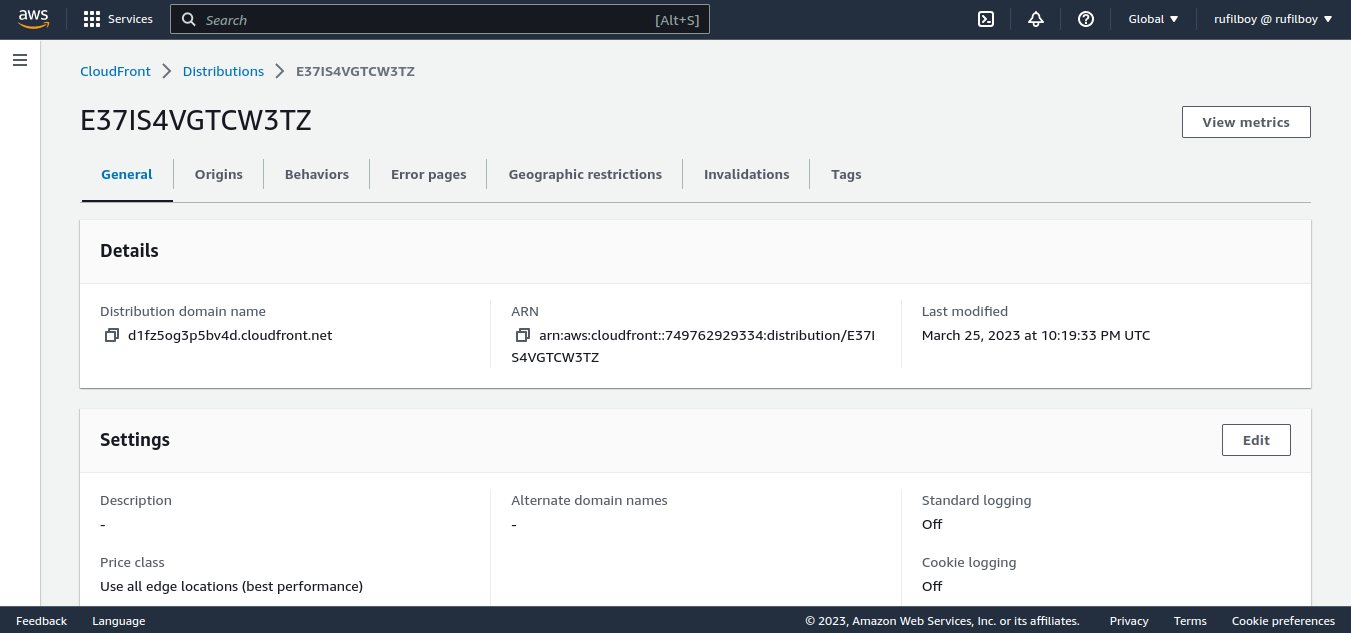
Copy the distribution domain name and paste it into your browser, we did it! Our site is live.

NOTE: If you are not utilizing a custom domain name, steps 2 and 3 can be skipped.
Step 2:
Update DNS Settings After creating the CloudFront distribution: update the DNS settings of your domain or subdomain to point to the CloudFront distribution. To do this, create a CNAME record in your DNS settings and point it to the CloudFront distribution domain name. This can be found in the “Domain Name” column of the CloudFront distribution settings.
Step 3:
Verify CloudFront Distribution: Once the DNS settings have propagated, verify that the CloudFront distribution is working correctly. Navigate to your domain or subdomain in a web browser and check that the website is being served from the CloudFront distribution.
Step 4:
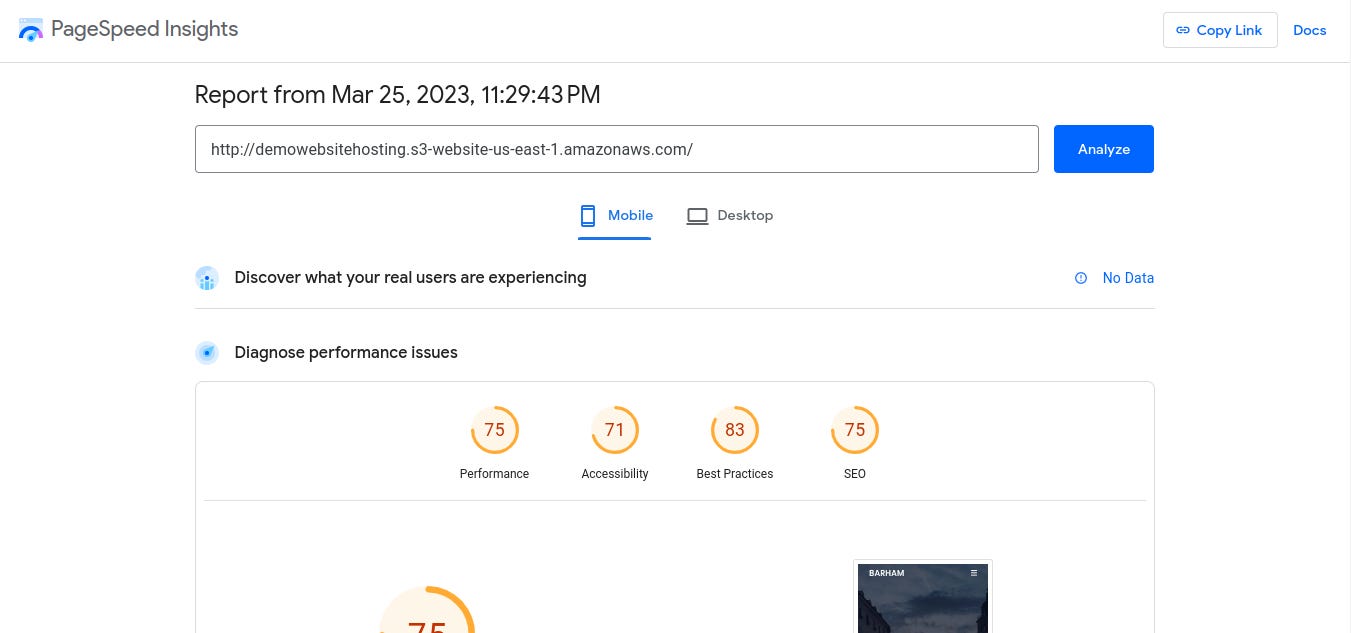
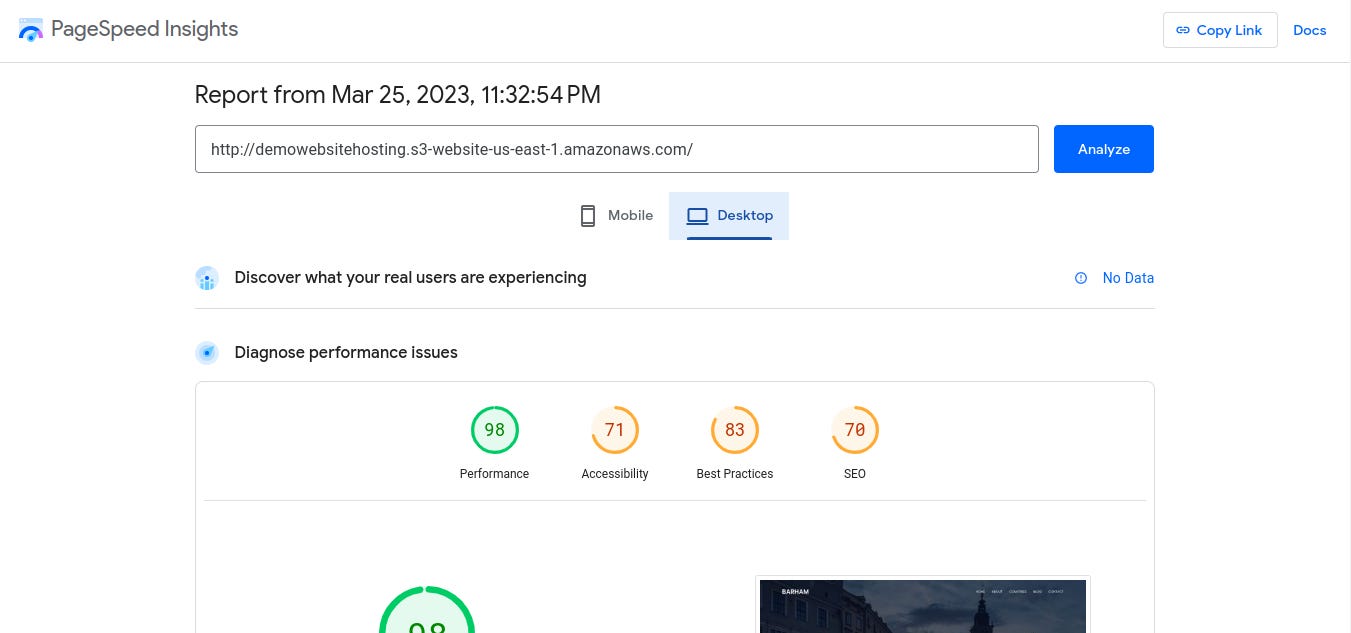
Test Performance: To test the performance benefits of using CloudFront as a CDN, use a website speed test tool, such as Google PageSpeed Insights. This will provide information on the load times of your website and identify any areas that need improvement.
Testing… Using our bucket endpoint. Mobile👀;
Desktop👀;
Testing our distribution domain name. Mobile👀;
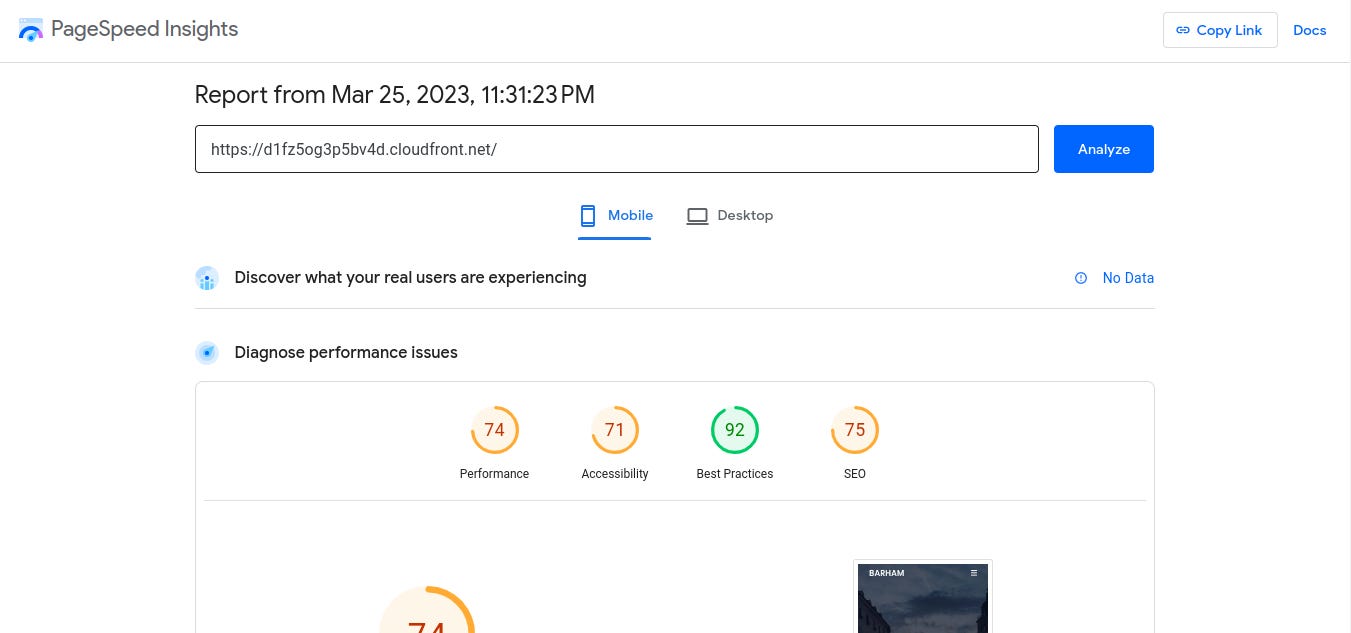
Desktop👀;
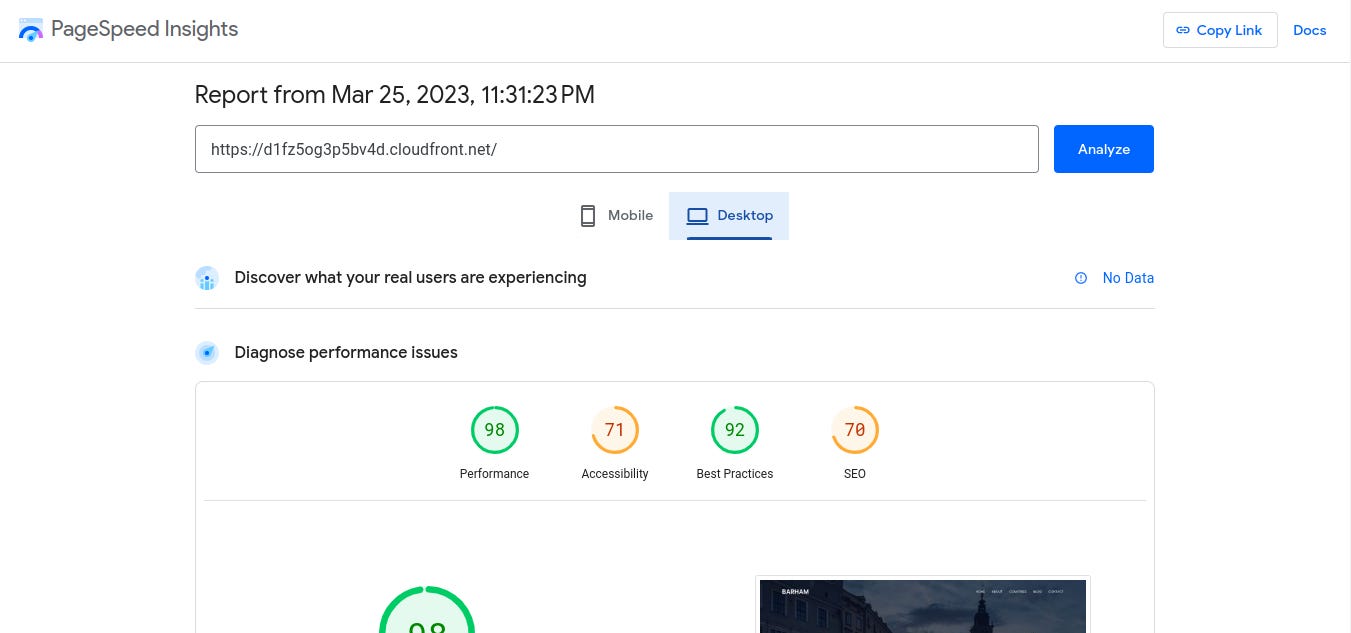
Conclusion: By utilizing AWS CloudFront as a CDN for hosting a static website on AWS S3, you can significantly improve the performance and security of your website. With the above steps, you can easily set up and configure a CloudFront distribution for your S3 bucket, allowing you to serve your website content globally with low latency and high data transfer speeds.